SVSU
Publisher Description
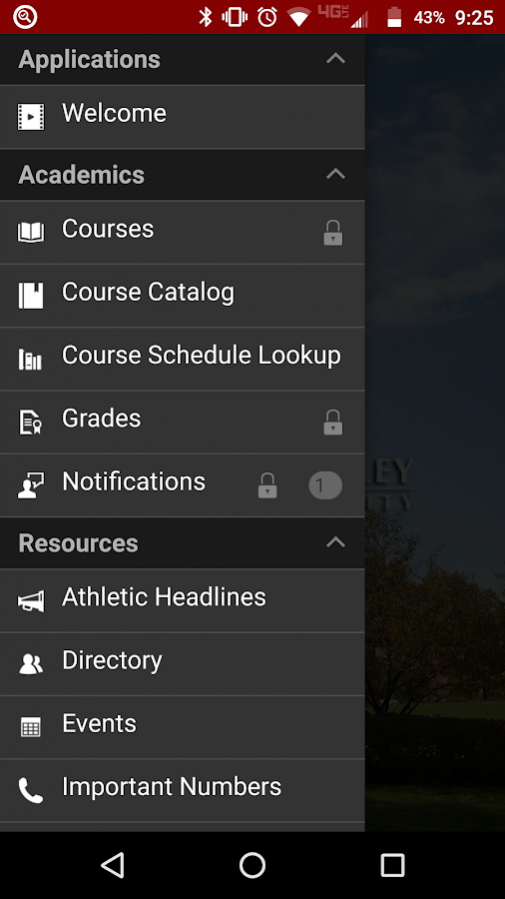
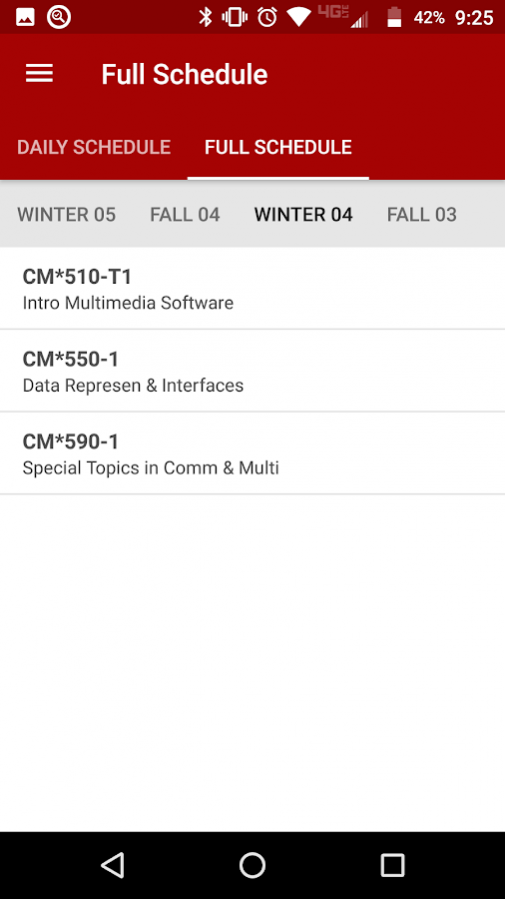
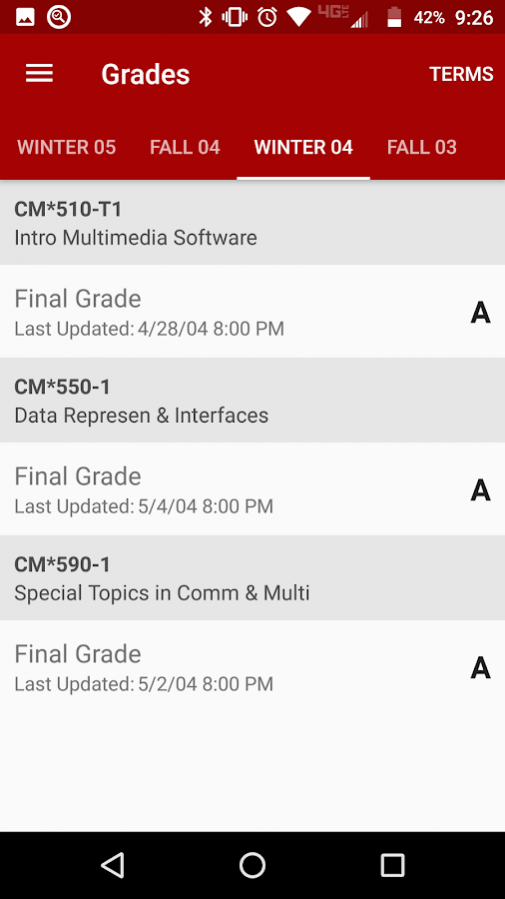
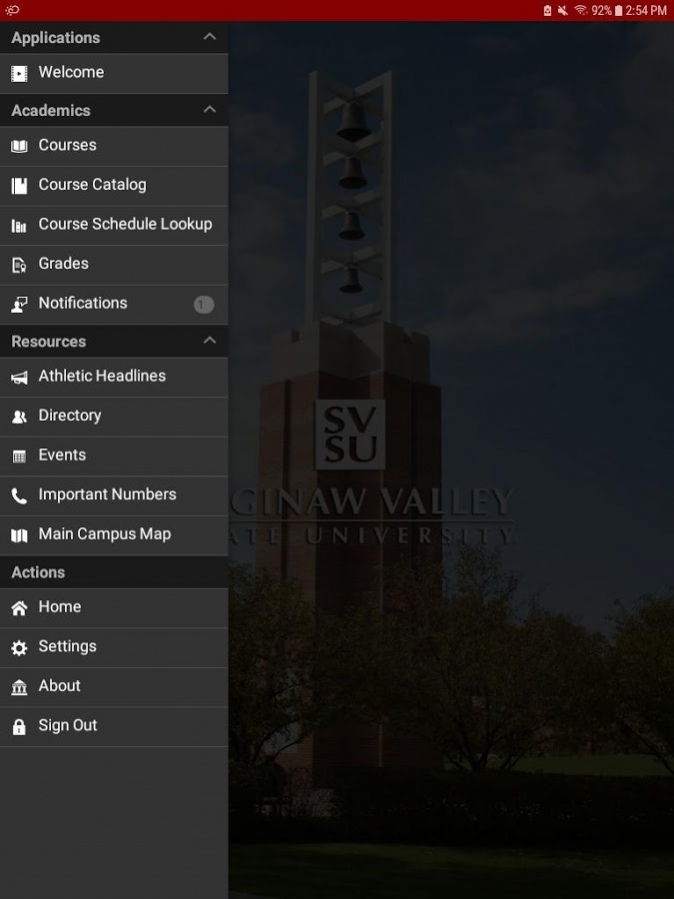
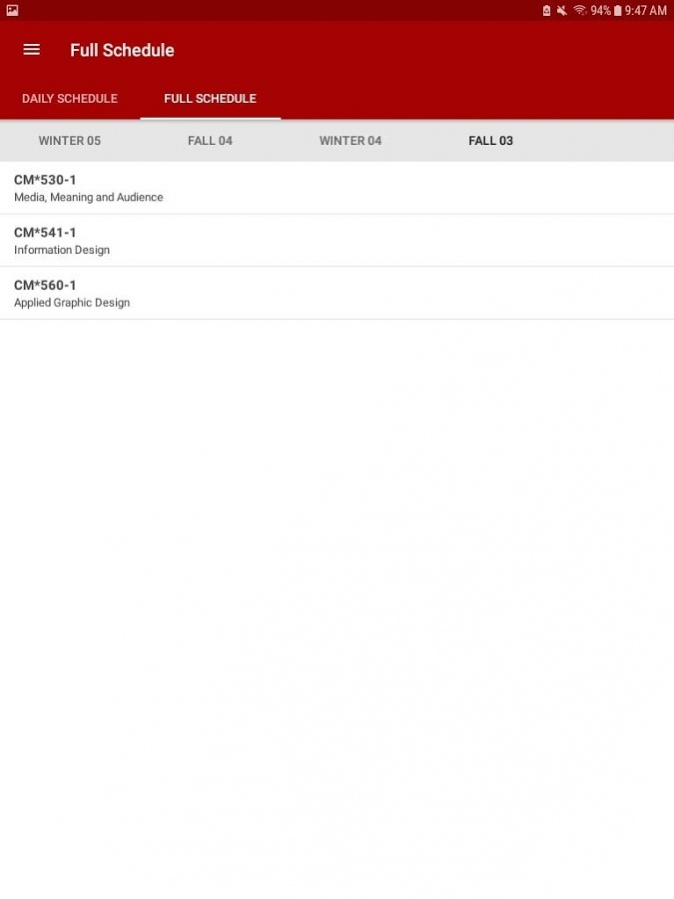
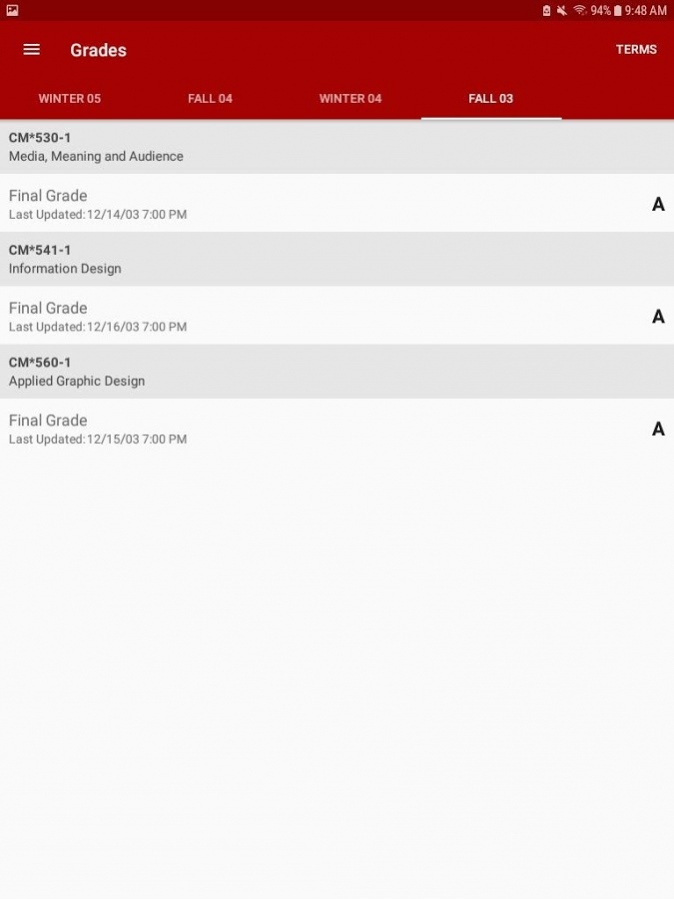
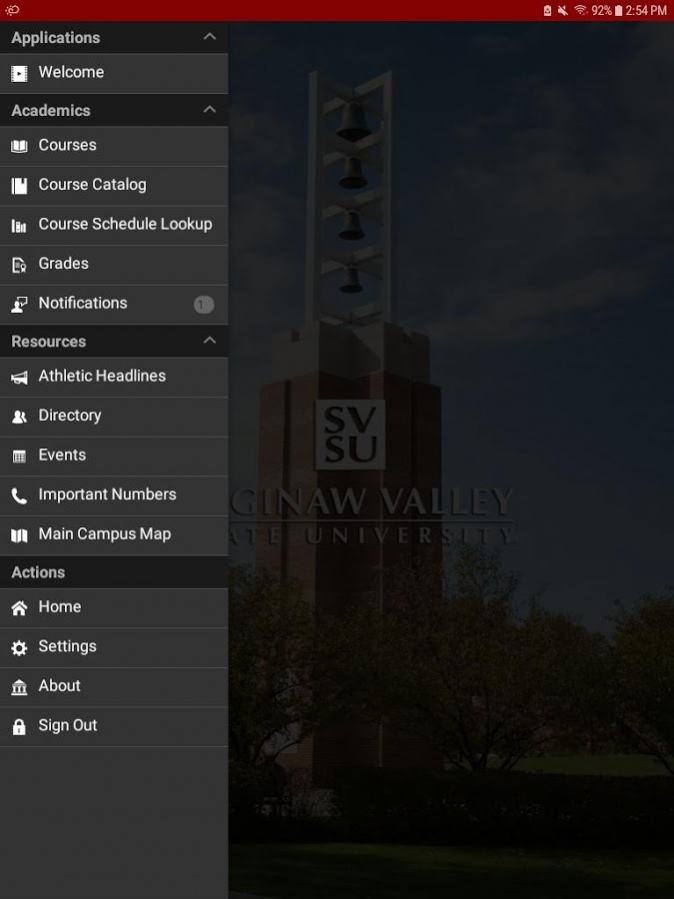
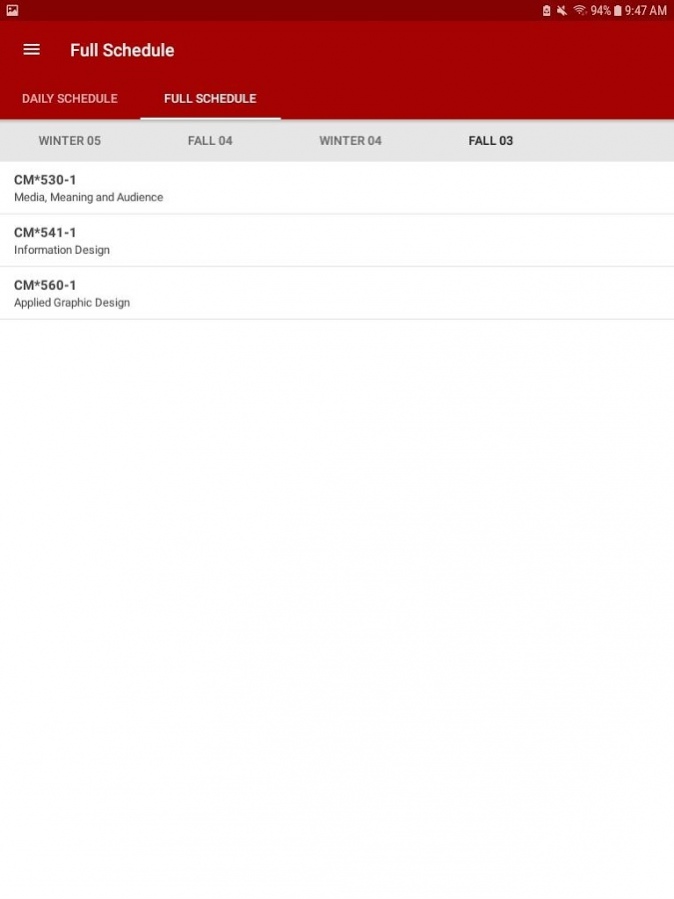
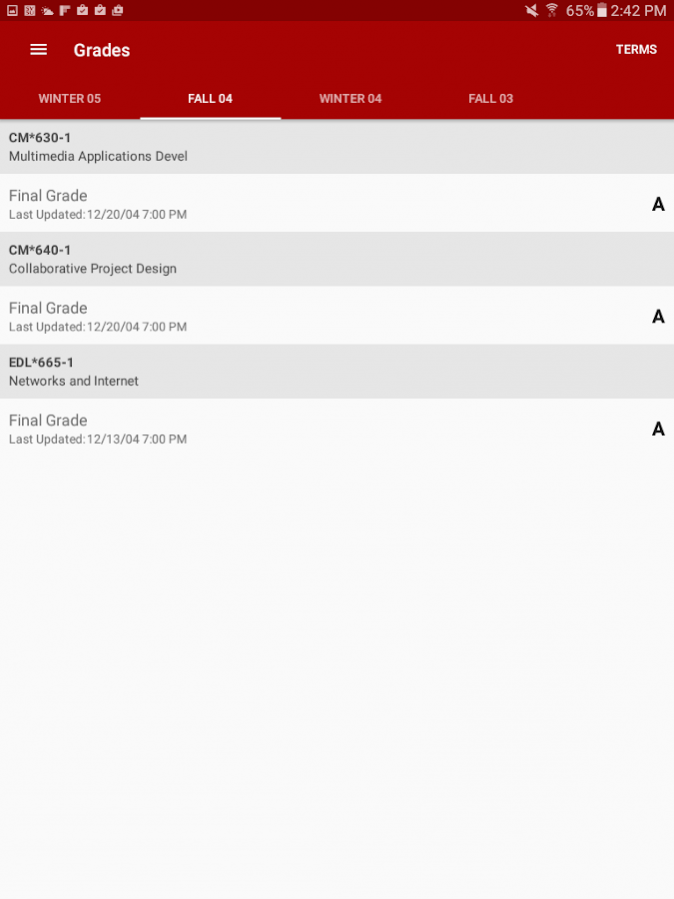
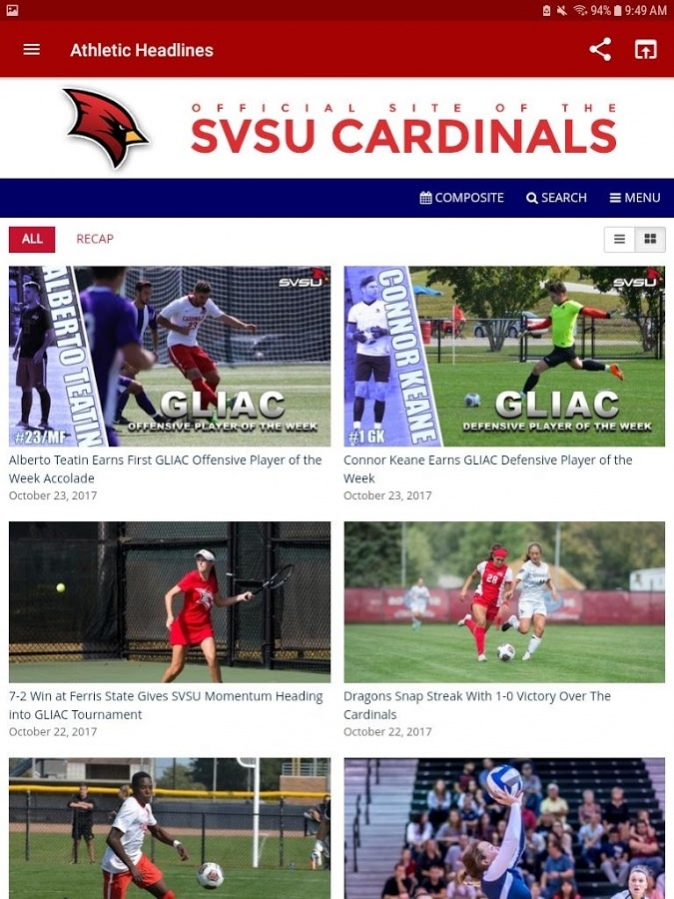
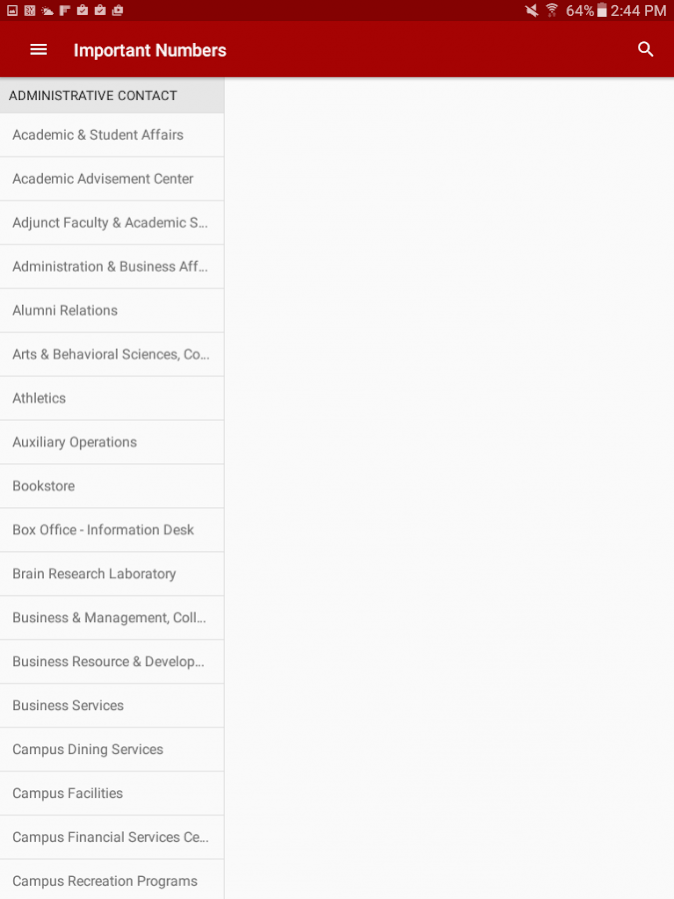

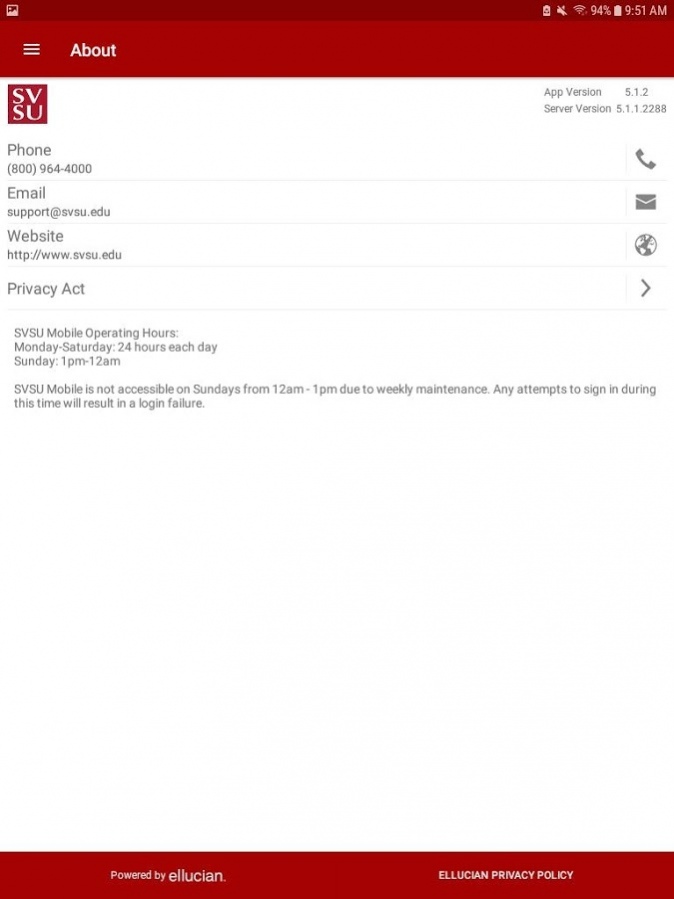
Saginaw Valley State University’s mobile app puts important information right at your fingertips.
Key features include:
• Courses -- View your course schedule on the go
• Course Catalog -- Access the SVSU Course Catalog
• Course Schedule Lookup -- Search for available courses
• Grades -- Check your grades on the go
• Notifications -- Stay informed with personalized announcements delivered right to your phone
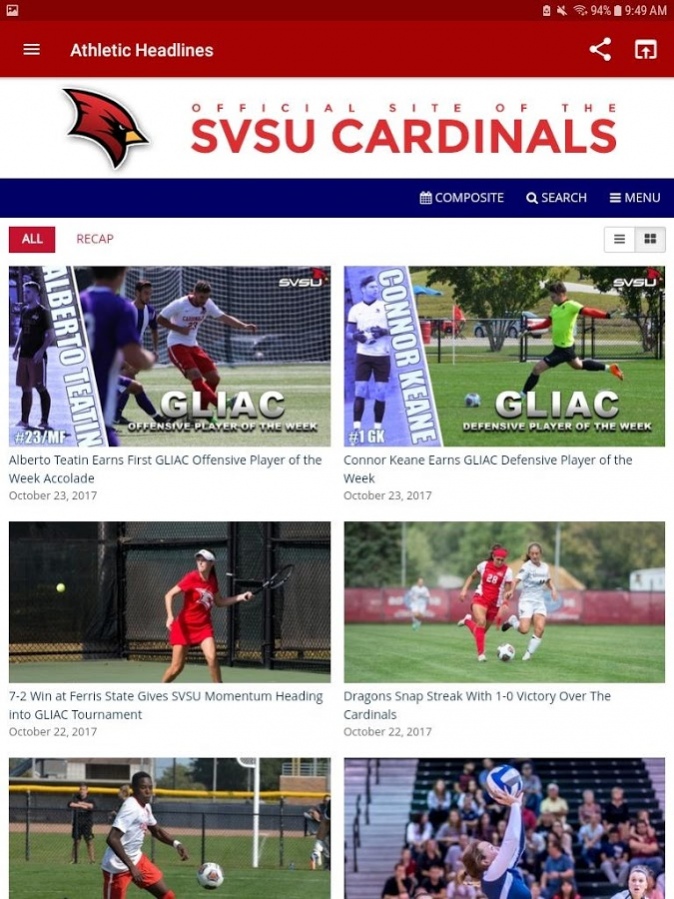
• Athletic Headlines -- Keep up to date with what is happening with Cardinal athletics
• Directory -- Find the faculty, staff, or student you need and call them right from the app
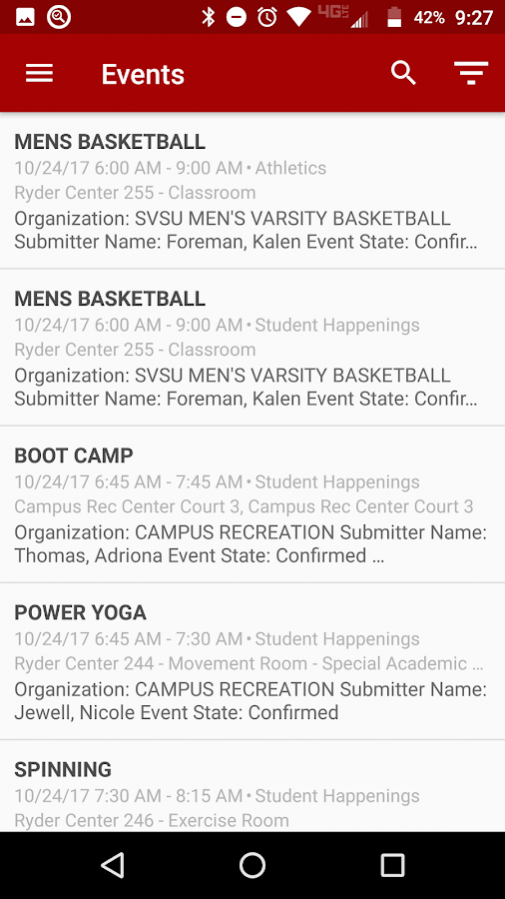
• Events -- Know what’s going on at SVSU!
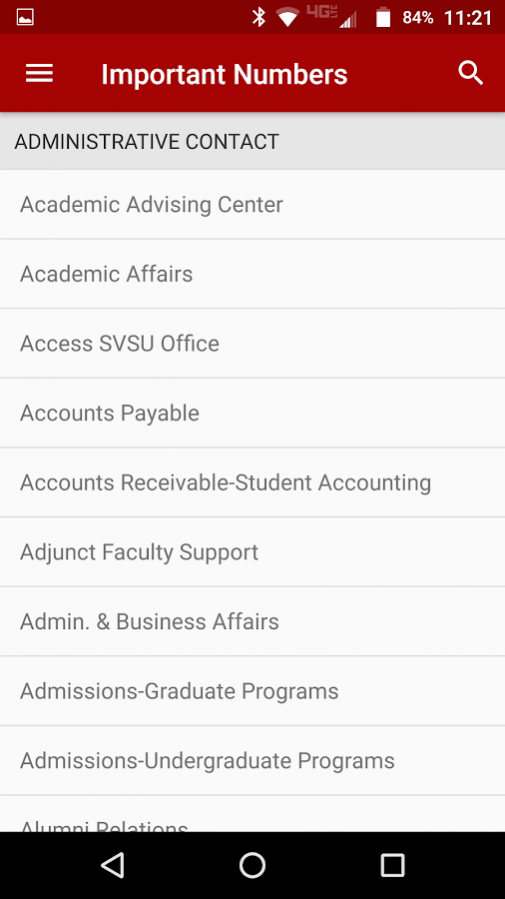
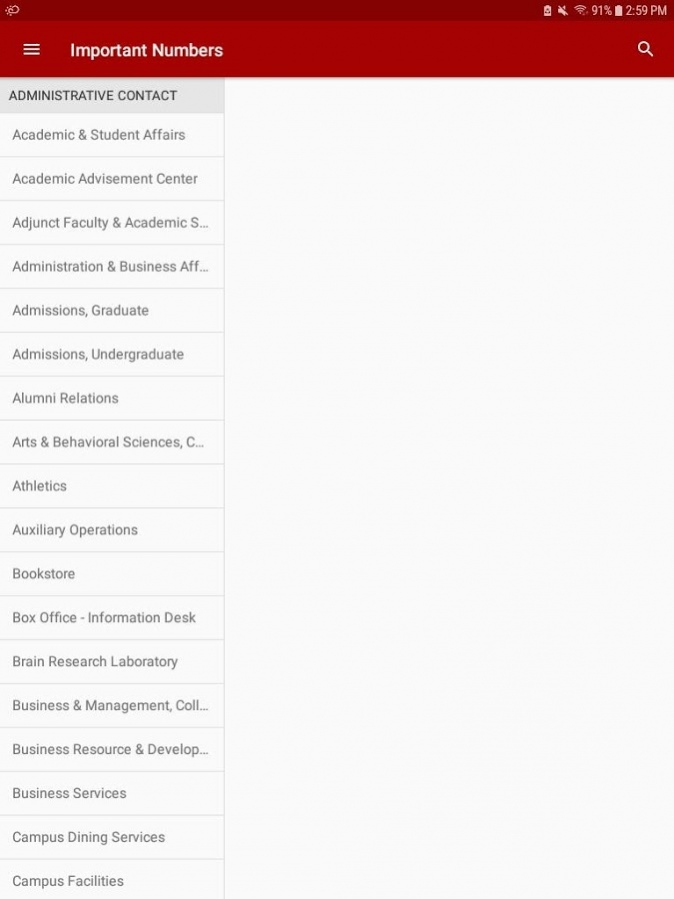
• Important Numbers -- Quickly access office contact information
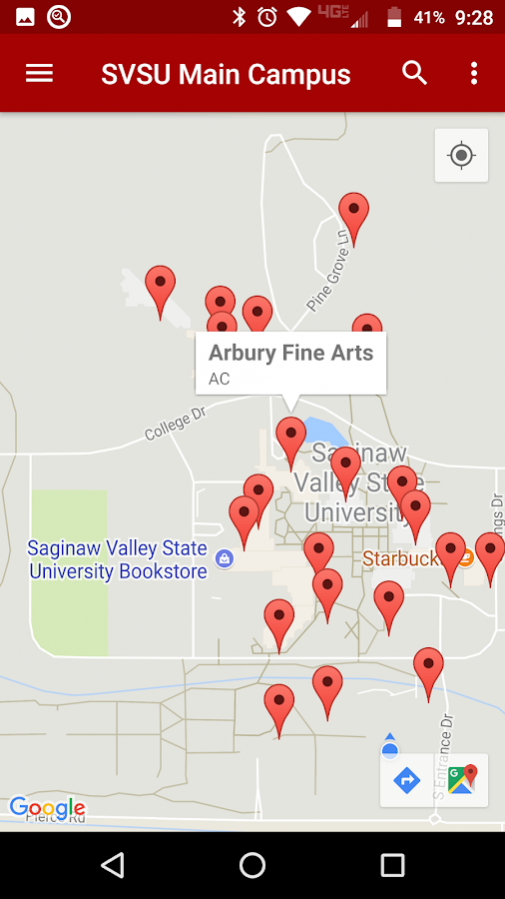
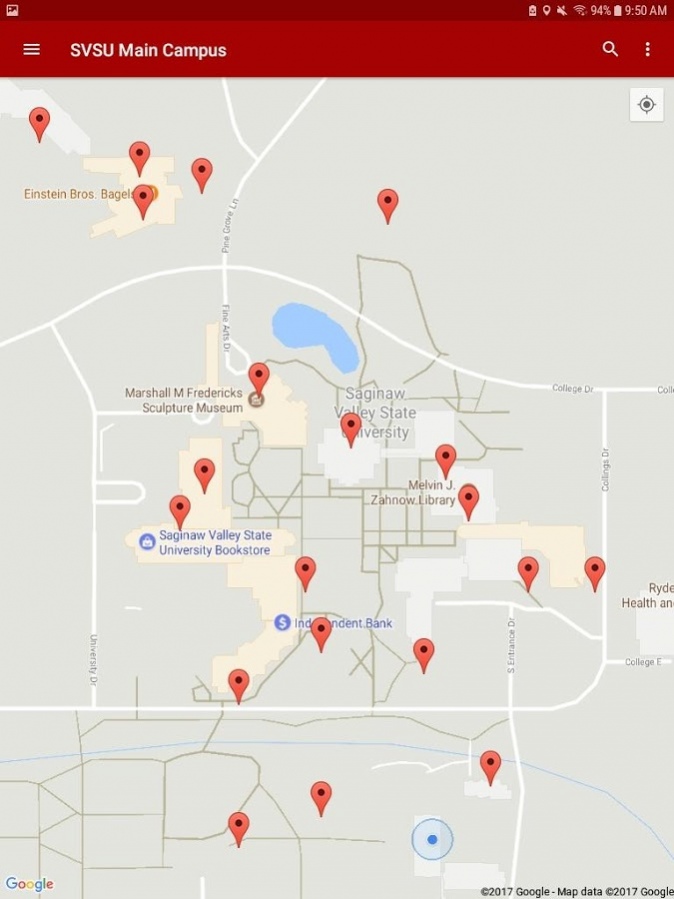
• Main Campus Map -- Find your way around SVSU
Note: Courses and Grades are available from 2002 to present. For courses and grades prior to 2002, please contact the Registrar’s Office at registrar@svsu.edu.
About SVSU
The company that develops SVSU is Saginaw Valley State University. The latest version released by its developer is 1.0 .
To install SVSU on your Android device, just click the green Continue To App button above to start the installation process. The app is listed on our website since 2017-10-24 and was downloaded 18 times. We have already checked if the download link is safe, however for your own protection we recommend that you scan the downloaded app with your antivirus. Your antivirus may detect the SVSU as malware as malware if the download link to edu.svsu.SVSUMobile is broken.
How to install SVSU on your Android device:
- Click on the Continue To App button on our website. This will redirect you to Google Play.
- Once the SVSU is shown in the Google Play listing of your Android device, you can start its download and installation. Tap on the Install button located below the search bar and to the right of the app icon.
- A pop-up window with the permissions required by SVSU will be shown. Click on Accept to continue the process.
- SVSU will be downloaded onto your device, displaying a progress. Once the download completes, the installation will start and you'll get a notification after the installation is finished.
Program Details
System requirements
Download information
Pricing
Version History
version
posted on 2017-10-24
Significant changes in SVSU app version 5.1.2 include:
- SVSU mobile app users can now use a fingerprint to log in to the app on devices that support fingerprint authentication.
- The SVSU mobile app now includes a Settings page, which includes settings for the new fingerprint authentication.
- The course section details page now includes course start and end dates.
- The SVSU mobile app now supports split-screen mode for Android 7.0 and later.
